Eero 7 Review: WiFi 7 Mesh for the Rest of Us
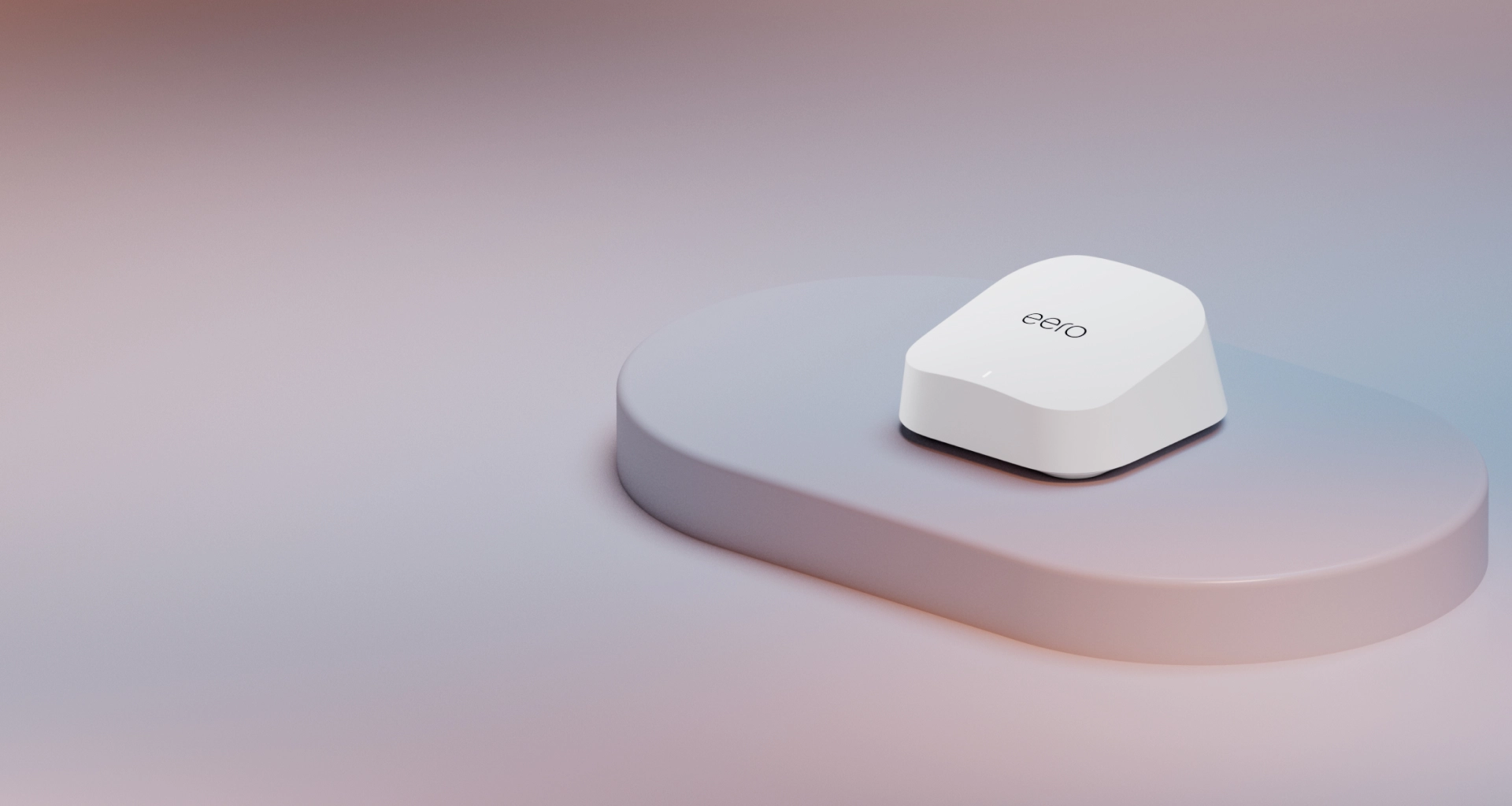
The Eero 7 brings tri-band WiFi 7, dual 2.5 GbE ports per node, and whole-home coverage to a sub-$350 mesh. It's the WiFi 7 mesh most homes should actually buy.
✅ Pros
- +Full WiFi 7 protocol support (MLO, 6 GHz, 4K-QAM) at a sub-$350 3-pack price
- +Two 2.5 GbE auto-sensing ports per node — no 1 GbE bottleneck in either direction
- +Wired backhaul support over 2.5 GbE
- +Built-in Thread border router, Matter controller, Zigbee, and Bluetooth LE
- +5-minute Eero app setup — the easiest mesh experience available
❌ Cons
- −BE5000 aggregate is well below flagship mesh like the Eero Max 7 or ASUS RT-BE96U
- −No 10G port — caps wired uplink at 2.5 GbE
- −6 GHz limited to 160 MHz channels, not the full 320 MHz
- −No advanced network controls (VLANs, firewall rules, per-device DNS)
- −Advanced parental controls and ad blocking require an Eero Plus subscription
The Eero 7 is the WiFi 7 mesh system most homes should actually buy. It delivers proper tri-band WiFi 7, dual 2.5 GbE ports per node, and wired-backhaul support at roughly one-third the price of the Eero Max 7. The speed ceiling is lower than the flagship — but on any internet connection short of 5 Gbps fiber, you'll never see the difference. For a typical 1–2.5 Gbps home, this is the smarter buy.
Why WiFi 7 Matters in a Mid-Range Mesh
WiFi 7 (802.11be) brings three practical upgrades over WiFi 6E, and all three are present on the Eero 7. Multi-Link Operation lets a WiFi 7 client use 5 GHz and 6 GHz simultaneously, with the router aggregating both into a single faster, lower-latency connection. The 6 GHz band — the cleanest spectrum available, with no legacy devices and far fewer neighboring networks — is supported at 160 MHz channels (not the full 320 MHz that flagship WiFi 7 hardware uses, but plenty for a mid-range mesh). And 4K-QAM packs roughly 20% more data per transmission compared to WiFi 6E's 1024-QAM ceiling.
The Eero 7 is a "right-sized" WiFi 7 implementation. It doesn't try to compete with the Eero Max 7 on raw throughput — it brings the WiFi 7 protocol benefits (MLO, lower latency, 4K-QAM) into a price tier most households will actually pay.
Performance
Real-world throughput on the Eero 7 lands in the 1.5–2.0 Gbps range close to a node, dropping to 500–800 Mbps at moderate range. That's plenty of headroom for any 1 Gbps internet connection and roughly saturates a 2.5 Gbps connection at close range.
The headline number — BE5000 aggregate — is lower than the Eero Max 7's BE9400, but whether that matters depends entirely on your internet plan. On a 1 Gbps or slower fiber or cable connection, you'll never max out the Eero 7 — the wireless link is faster than your wire. On a 2.5 Gbps connection, the Eero 7 saturates it at close range on WiFi 7 clients, and wired devices on the 2.5 GbE LAN get full speed. Only on 5 Gbps fiber or faster do you start to see the ceiling — at that point, step up to the Eero Max 7 or the ASUS RT-BE96U for 10G uplink.
The other quiet upgrade over older Eero generations is wired backhaul support over either 2.5 GbE port. If you have Ethernet runs between rooms, the backhaul stops eating wireless airtime. This is what makes the Eero 7 punch above its spec sheet in larger homes.
Ports and Hardware
Each node has two 2.5 GbE ports, and they're auto-sensing — either can be the WAN-side port, the other becomes a LAN. There's no separate WAN-only port to think about. One port goes to your modem or fiber ONT, the other to a hardwired device — a NAS, a game console, a TV, or a downstream switch. On non-gateway nodes, both ports are available for wired clients or wired backhaul.
The 2.5 GbE port speed is the most important spec on this mesh. It means the system can carry full-speed traffic from a 2.5 Gbps internet plan, and it means wired devices won't be capped at 1 Gbps the way older Eero generations capped them.
What's not here: no 10G port, no SFP+ cage. If you need 10G uplink for ISP or switching, the Eero Max 7 or the ASUS RT-BE96U is the right system.
Setup and Software
Setup is phone-app based via the Eero app on iOS or Android. The first node connects in under five minutes; additional nodes auto-join. This is what Eero does best — the bar for "easy mesh setup" is set here.
Eero Plus is the paid subscription tier that adds parental controls, ad blocking, VPN, and 1Password and Malwarebytes integration. The free tier is fine for most homes; Plus is worth it if you want network-wide content filtering.
The underrated feature is the smart-home radios. Each Eero 7 node is a Thread border router, a Matter controller, a Zigbee hub, and a Bluetooth LE gateway. If you're already buying mesh nodes, having Thread and Matter built in means you don't need a separate hub for Apple Home, Google Home, or SmartThings. That alone justifies the price gap over older Eero 6E hardware.
What you don't get is granular networking control. There are no per-VLAN configs, no static-route management, no custom DNS-by-device. If you want that level of control, look at a UniFi setup or Firewalla.
Who Should Buy the Eero 7
Buy the Eero 7 if you have a 1,500–6,000 sq ft home and want whole-home WiFi 7, your internet plan is 1 Gbps or 2.5 Gbps, you want WiFi 7 without the $1,000+ outlay of a flagship mesh, you're invested in Matter or Thread smart-home hardware, or you value simple app setup over granular network controls.
Step up to the Eero Max 7 if you have 5 Gbps+ fiber, want to wire devices at 10 GbE, or need 4,000+ sq ft of coverage at maximum throughput. If you want VLANs, firewall rules, or controller-class network management, get a UniFi setup instead. And if you live in a one-bedroom apartment, a single-node WiFi 7 router or even a solid WiFi 6E setup is enough — you don't need a mesh.
Eero 7 vs. Eero Max 7
The two systems share a name but target different homes. The Eero 7 (3-pack) is a BE5000 tri-band system with 4 spatial streams (2×2 on 5 GHz and 6 GHz), 160 MHz channel widths, dual 2.5 GbE ports per node, and roughly 6,000 sq ft of coverage on Eero's own rating, at around $349. The Eero Max 7 (3-pack) is a BE9400 tri-band system with 12 spatial streams (4×4), 320 MHz channels on 6 GHz, dual 10 GbE ports per node, and roughly 6,600 sq ft on the same basis, at around $1,499. Both ship the same smart-home radio set: Thread, Matter, Zigbee, and Bluetooth LE.
The Eero Max 7 is 4× the price for a system that, on any internet connection up to 2.5 Gbps, you won't be able to differentiate from the Eero 7 in daily use. The Max 7 earns its premium only if you have 5 Gbps+ fiber, dense WiFi 7 client populations, or hard requirements for 10 GbE wired uplink. For most homes, the Eero 7 is the smarter buy.
Bottom Line
The Eero 7 is the WiFi 7 mesh system that finally makes WiFi 7 a default choice rather than a flagship-only feature. It brings the protocol-level upgrades — MLO, 6 GHz, 4K-QAM — into a price tier that's competitive with mid-range WiFi 6E mesh, and it pairs them with 2.5 GbE ports that won't bottleneck a typical multi-gig internet plan. It's not the fastest mesh you can buy. It's the most appropriate mesh for most homes — and that's a more useful distinction than peak throughput.
The Eero 7 (3-Pack) is available on Amazon, with 2-pack and single-node versions also available.
Our Verdict
The Eero 7 brings tri-band WiFi 7, dual 2.5 GbE ports per node, and whole-home coverage to a sub-$350 mesh. It's the WiFi 7 mesh most homes should actually buy.
Ready to buy the Amazon Eero 7 (3-Pack)?
Buy on Amazon →Affiliate link — we may earn a commission at no extra cost to you.